We wish you Happy Holidays & a joyful New Year!

Plan custom docket books with our checklist for design, numbering, paper and ordering. Get clear carbonless records and request a sample from FormersPaper.
October 8, 2026
John Doe
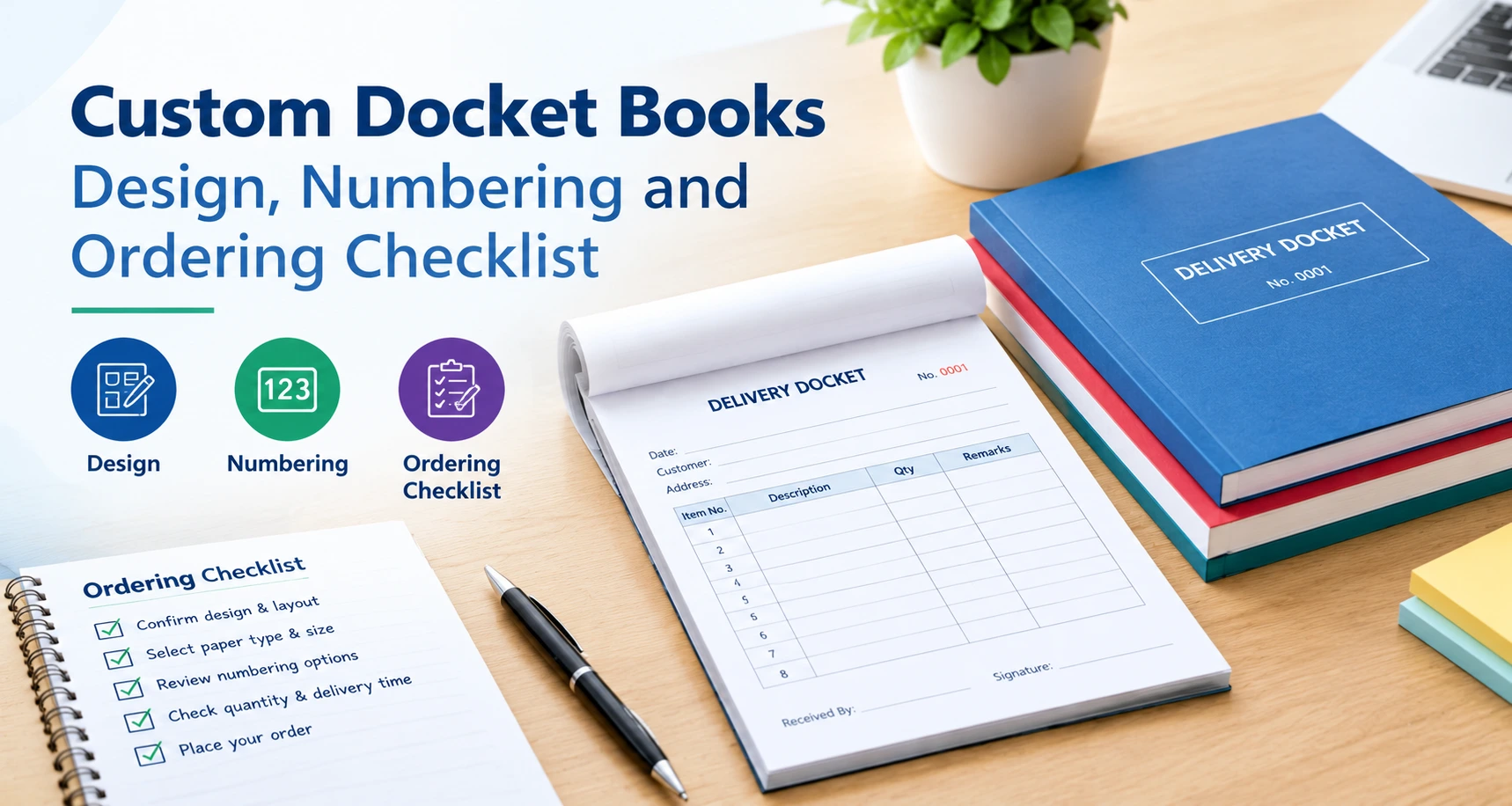
Imagine, a driver delivers an order, and the customer signs a slip with no number on it. The copy is unclear and hard to read. Two weeks later, the customer says they never received the order. Now, your team has no clear proof that the delivery was made.
You can fix that with a better form. Well-planned custom docket books give every job a numbered, readable record. Your staff write on the top page, and the carbonless coating copies the writing onto the pages below. Nobody handles messy carbon sheets. Nobody runs to the copier.
This guide gives you a simple checklist. It covers design, numbering, paper, binding and ordering. It also shows how FormersPaper builds custom printed docket books in its own factories for buyers in China, the USA, Canada, Mexico and the Caribbean. Use it before you send your next request for a quote.
A quick note on names. Some buyers say docket books. Others say carbonless invoice books, receipt books or order books. They all mean a book of forms that copies itself.
Custom docket books are books of carbonless forms with your logo, fields and numbers on every page. Your staff write on the top sheet, and the writing copies to the sheets below. Businesses use them for deliveries, invoices, receipts and work orders. Each copy goes to a different person.
A typical set works like this. The customer keeps one copy. Your office files one copy. A third copy may go to accounts or the warehouse. One stays in the book as proof.
You will find custom docket books in many industries:
Transport teams often order custom delivery docket books. The driver keeps one copy. The customer signs another. The office files the third. Everyone can check the same details later.
Paper also works when the internet does not. A printed set needs no signal or battery, and it holds a real signature.
A good design puts the right fields in the right order. Start with your logo, contact details and a clear form title. Add space for names, dates, items, quantities and signatures. If your team can fill in the form fast, you get fewer mistakes and cleaner records.
Every extra box slows your staff down. Every missing box causes a phone call later. Walk through one real job and list what your team must record. Most forms need:
Tax fields change by country. The USA uses sales tax, Canada uses GST or HST, and Mexico uses IVA. Ask your accountant which fields your records need.
A delivery form needs different boxes than an invoice. For custom delivery docket books, add the delivery address, item count, receiver name and signature. Add a damage-notes box too. That one box can end many arguments. For a large fleet, start with one custom delivery docket book per driver as a test.
FormersPaper prints forms on high-speed rotary 8-color presses, so you can print your logo in your brand colours.
Do you serve customers in more than one language? Print both on the form. Buyers in Canada often want English and French, and buyers in Mexico often want Spanish.
Buyers in the USA and Canada often work with Letter-based sizes. Buyers in China often work with A4 or A5. Tell the FormersPaper team your target size.
Send a clean logo file, your current form and a rough sketch. Mark where the number and signatures go. Ask for a proof, hold it up like a real custom printed docket book and check every field before you approve it.
Most custom docket books use NCR carbonless paper. NCR means no carbon required. A dye coating on one sheet reacts with a clay coating on the next sheet when you press. You get a clean copy on every page, in sets from two to five parts.
Paper pros call the coatings CB, CF and CFB. Here is how they stack up:
The paper set consists of three types of sheets:
Most buyers pick two or three parts. Logistics buyers often pick four or five, so each stop gets its own copy. Standard copy colours are white, yellow, pink, green and blue. Give each colour one job, as in these examples:
There are two common sets:
Paper weight, also called GSM, changes how the set feels and how well the last copy shows. A thin coating can leave the bottom page faint. Ask FormersPaper to confirm the weight and coating for your order in writing.
Match the paper to your pen or printer. Regular carbonless paper works with ballpoint pens and impact printers. For laser overprinting, ask for laser-compatible stock. Test your custom printed docket books with the tools your team really uses.
The store is flat, away from heat, sun and damp. Keep each custom printed docket book wrapped until someone needs it.
Numbering gives every form its own ID. It helps you find records, spot missing forms and slow down fraud. Perforation lets your staff tear out a page cleanly. Together, they give you tighter control over custom docket books and a clearer paper trail.
FormersPaper's finishing services include integrated numbering, barcoding and perforation. Here is how to plan each one.
Here is an example. A depot could print DEL-TOR-0001 to DEL-TOR-0500 on custom delivery docket books. Another depot gets a different block. Keep a simple log that shows which driver holds each custom delivery docket book.
When you reorder, tell the factory the last number on your old custom printed docket book. Then your sequence never repeats.
Perforation lets one sheet tear out clean while the rest stays in the book. It works well on custom delivery docket books when the customer keeps the top copy. Keep the tear line away from the writing area so a pen does not catch.
A barcode on custom printed docket books lets your team scan a form into your inventory or shipping system. That links your paper record to your digital one.
Choose the format that fits how your team works. Pads sit on a counter. Books with a taped spine survive trucks and job sites. Loose sets suit offices that file each form alone. FormersPaper finishes forms with milling binding, stitching and cutting-set machines.
Think about where your team writes. A counter worker needs a pad that stays put. A driver needs a firm back. A custom delivery docket book often rides in a truck cab, so a bound book with a firm back is the safer pick. Buyers who order custom printed docket books for rough or wet sites should ask about cover and backing board options first. Then ask the FormersPaper team which format they suggest for your custom docket books.
Custom docket book printing at a manufacturer keeps more steps under one roof. FormersPaper coats the paper, prints the forms, adds numbering, barcoding and perforation, and binds the books itself. Fewer hand-offs mean tighter control over quality, cost and delivery dates.
Some print shops buy coated paper from another supplier, then print and bind it. Each hand-off adds risk. FormersPaper runs a vertically integrated model. That means it handles coating, laminating, printing and converting in-house. That gives it more control over the process behind your custom printed docket books.
The About Us page adds these facts:
FormersPaper lists ISO 9001:2015, ISO 14001:2015, ISO/IEC 27001, FSC and RoHS on that page. Certificates can differ by facility and product, so ask for the documents that match your order.
For you, the payoff is simple. Your custom docket books come from one supplier that controls coating, printing and finishing. That helps keep copy quality and numbering steady from order to order. When you compare quotes, look at the whole custom docket book printing process, not just the unit price.
Use this checklist before you request a quote. Decide the document type, size, number of parts, numbering range, binding and quantity. Then send your artwork and ask for a sample. Clear specs help the factory quote faster and help you avoid costly reprints.
Before you order custom docket books, fill in this spec sheet:
When ordering from FormersPaper, you need to decide and provide the following details:
Ask every supplier the same questions. Then you can compare custom docket book printing quotes side by side. Tell the team early if you need custom delivery docket books for a large fleet, because number blocks take planning. Ask for a sample custom delivery docket book too, so a driver can test it on the road.
Most ordering problems come from rushed specs. Buyers pick on price, skip samples, forget the last number or crowd the form with tiny boxes. Each mistake costs time, money or records. Avoid these traps, and your first order will run smoothly.
Weak custom docket book printing shows up fast. Faint copies, blurry numbers and torn pages are the usual signs. Each mistake can turn custom docket books into a headache instead of a help.
FormersPaper serves business buyers in China, the USA, Canada, Mexico and the Caribbean. One manufacturer can keep your form layout, copy colours and paper the same across every branch. That matters a lot if your stores, trucks or sites cross borders.
Hospitality buyers can visit the FormersPaper guest check pages for the USA, Canada, Mexico and the Caribbean.
The About Us page says FormersPaper supplies products to match your specs, your quality standards and your national rules. Share your local needs early, such as language, tax fields and size.
If you run stores or fleets in more than one country, one form design helps every branch. A fleet can use the same custom delivery docket books in every depot, with a different number block for each. A restaurant group can do the same with custom docket books at every site.
Send the same approved file to every region, so each custom printed docket book looks the same. When your custom printed docket books come from one manufacturer, copy quality stays steady too. Custom docket book printing across many countries works best when one team owns the specs.
FormersPaper also makes paper rolls, tickets, labels and jumbo reels, so one supplier can cover several paper needs. See the Paper Rolls page, or read the guides on Thermal vs Bond paper rolls, BPA-free thermal paper and Enviroprint thermal paper.
Start with a simple spec sheet, send it to FormersPaper and ask for a sample. Share your document type, size, number of parts, numbering plan, artwork and a photo of your current form. The team can then confirm price, lead time and shipping for your market.
FormersPaper is a leading multinational manufacturer with five factories and 600+ pieces of equipment. Whether you need custom delivery docket books for a fleet or custom docket books for a restaurant group, the team can help you plan design, numbering and paper. Send your request through the contact page, or browse the Business Forms & Docket Books range. Ask about custom docket book printing for your next order.
Carbonless form books with your logo, fields and numbers. Staff write on the top sheet, and the copies appear below. Businesses use them for deliveries, invoices, receipts and orders.
Most teams use two or three parts. Two parts: one for the customer and one for your office. A third part can go to accounts or the warehouse. Logistics teams sometimes use four or five parts.
Yes. FormersPaper offers integrated numbering. Pick a prefix, a start number, and a digit count, and give each branch or driver its own block.
Send your logo, a sample of your current form, your size, number of parts, numbering plan, quantity and destination. Ask the sales team about MOQ, lead time and price.
NCR carbonless paper works well because it copies without loose carbon sheets. Ask FormersPaper to confirm the coating and weight for your pen or printer.
Store it flat, away from heat, sun, and damp. Keep it wrapped until you use it, and use older stock first.


Formers Paper is a leading manufacturer for a comprehensive range of sustainable paper & packaging products serving customers globally.
Shenzhen Formers Paper Co. Ltd, No.92 Zhugushi Road, Wulian community, Longgang District, Shenzhen, China